
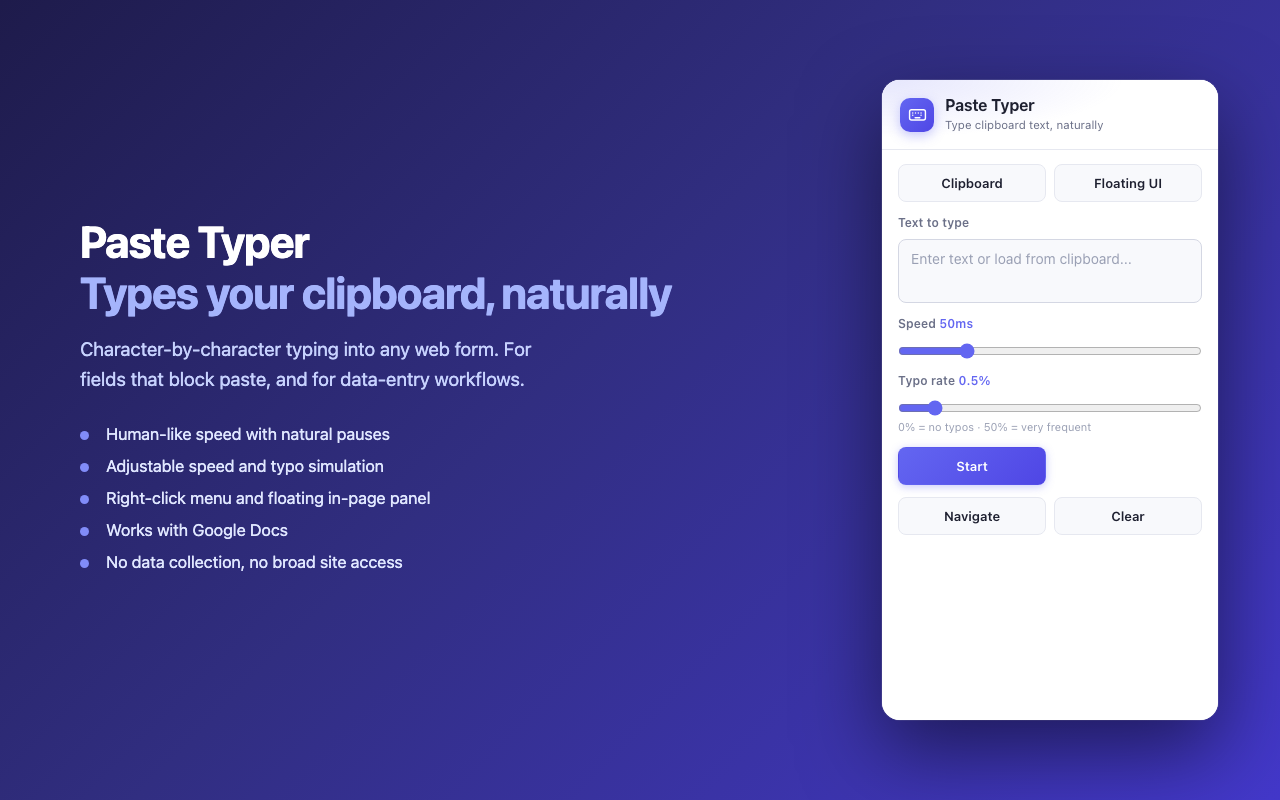
Some websites block Ctrl+V on their input fields — banking portals, exam systems, certain forms. Copy-paste simply doesn’t work, and retyping a long block of text by hand is miserable. So I built Paste Typer, a Chrome extension that “types” your clipboard text into any field, one character at a time.
The Problem
Paste is disabled more often than you’d think: password confirmation fields, online test platforms, KYC forms, and legacy web apps that intercept the paste event. The workaround has always been to retype everything manually. Paste Typer automates exactly that.
What It Does
- Types clipboard text character-by-character into inputs, textareas, rich-text editors, and even the canvas-based Google Docs editor.
- Human-like timing with adjustable speed and optional typo simulation (it makes and corrects realistic mistakes).
- Right-click → “Paste as typed text” on any editable field, or drive it from the toolbar popup.
- Floating draggable panel that remembers its position, as an alternative to the popup.
- Input navigation mode to step through editable fields on a page.
Privacy by Design
- No accounts, no analytics, no network requests — everything runs locally.
- No broad host permissions: it can’t read or run on a page until you explicitly invoke it on that tab (
activeTab). - The clipboard is read only when you click “Load from Clipboard”.
Under the Hood
The interesting part was Google Docs. Modern Docs renders the document to a <canvas>, so there’s no editable DOM to write into, and synthetic events on the visible editor are ignored. The working path turned out to be a per-character event sequence — keydown → keypress → legacy textInput → keyup — dispatched onto the hidden .docs-texteventtarget-iframe document using that iframe’s own event constructors. That’s the channel Docs actually listens on.
For normal pages, the tricky bits were driving React/Vue controlled inputs correctly (writing through the native prototype value setter so the framework’s value tracker fires onChange) and emitting synthetic key events with the right code / keyCode values so strict sites accept them.
Links
- Chrome Web Store: Install Paste Typer
- Source code: github.com/ZonaHu/paste-typer
Feedback and edge cases where it breaks are very welcome.